Update with Android Studio
בנייה עצמית במקום הורדה
AAPS is not available to download, due to regulations concerning medical devices. בנייה עצמית של האפליקציה לשימוש אישי הינה חוקית אך אסור לתת את האפליקציה לאחרים! See FAQ page for details.
הערה
אם ברצונכם לבנות את AAPS במחשב חדש: העתיקו את קובץ הגיבוי של ה-keystore שלכם למחשב החדש. Then follow the Initial build AAPS procedure instead of this guide. ההבדל היחיד הוא שבמקום ליצור keystore חדש, ניתן לבחור את ה-keystore שהעתקתם למחשב החדש.
Overview for updating to a new version of AAPS with Android Studio
אם נתקלים בבעיות, ראו את הדף הנפרד פתרון תקלות ב-Android Studio.
Export your settings
Export your settings from the existing AAPS version on your phone. You might not need it, but better be safe than sorry.
See the Export & import settings page if you don’t remember how to do this.
Check your Android Studio version
הגרסה המינימלית הדרושה מתוארת בהוראות הבנייה. If your version is older, please update Android Studio first!
Update your local copy
Open your existing AAPS project with Android Studio. You might need to select your project. (Double) click on the AAPS project.

In the menu bar of Android Studio, select Git -> Fetch

You will see a message in the lower right corner that Fetch was successful.

In the menu bar, now select Git -> Pull

Leave all options as they are (origin/master) and select Pull

Wait while download is in progress, you will see this as info in the bottom bar. When it’s done, you will see a success message.
הערה
The files that were updated may vary! זה לא מעיד על בעיה.

Gradle Sync will be running to download some dependencies. Wait until it is finished.
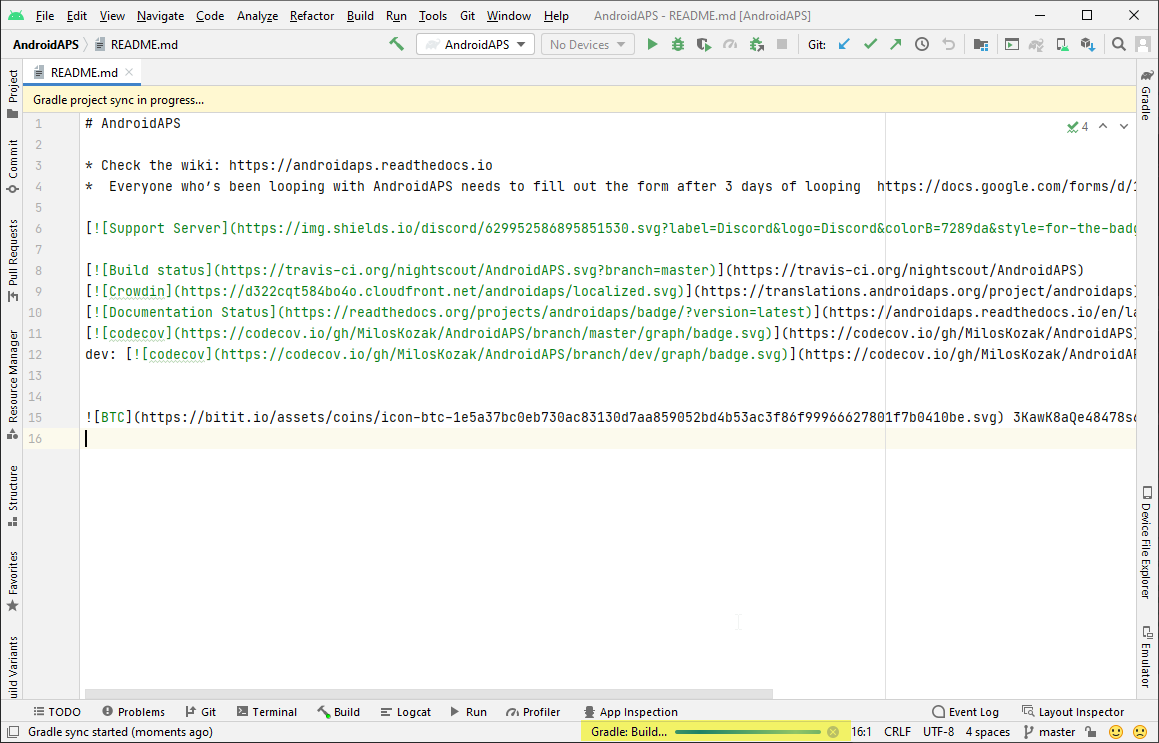
Check JVM version
This check is particularly indicated if you have already built a previous version of AAPS on the same computer.
Check in the Building Instructions the required version for JVM, matching the AAPS version you are now building. Then follow the steps described at Incompatible Gradle JVM to make sure you currently use the correct version.
Build the Signed APK
Your sourcecode is now the current released version, and all prerequisites have been checked. It’s time to build the signed apk as described in the build signed apk section.
Transfer and install the apk
You need to transfer the apk to your phone so you can install it.
הערה
אם השלמתם את הבנייה עם אותו keystore קיים ב-Android Studio, אין צורך להסיר את האפליקציה הקיימת בטלפון שלכם. When you install the apk, follow the prompts to install updates. במקרים אחרים, כגון יצירת keystore חדש ב-Android Studio עבור ה-apk החתום שלכם, תצטרכו למחוק את האפליקציה הישנה לפני התקנת ה-apk. Make sure to export your settings!
ראו את ההוראות להעברה והתקנה של AAPS. במקומות שבהם אימות מפתחים ב-Android של Google נאכף (החל מספטמבר 2026, בהתאם למדינה שלכם), יש להתקין באמצעות ADB במקום להקיש על קובץ ה-APK.
Continue here.
פתרון תקלות
If anything goes wrong, don’t panic.
Take a breath!
לאחר מכן בדקו בדף הנפרד פתרון תקלות ב-Android Studio אם הבעיה שלכם כבר מתועדת.
If you need further help, please reach out to other AAPS users on Facebook or Discord.