CareSens
There are different ways to use CareSens data with AAPS:
xDrip+
Juggluco
Note: You do not need the Sens365 follower app to connect to AAPS.
1. xDrip+
Install and set up the official CareSens app.
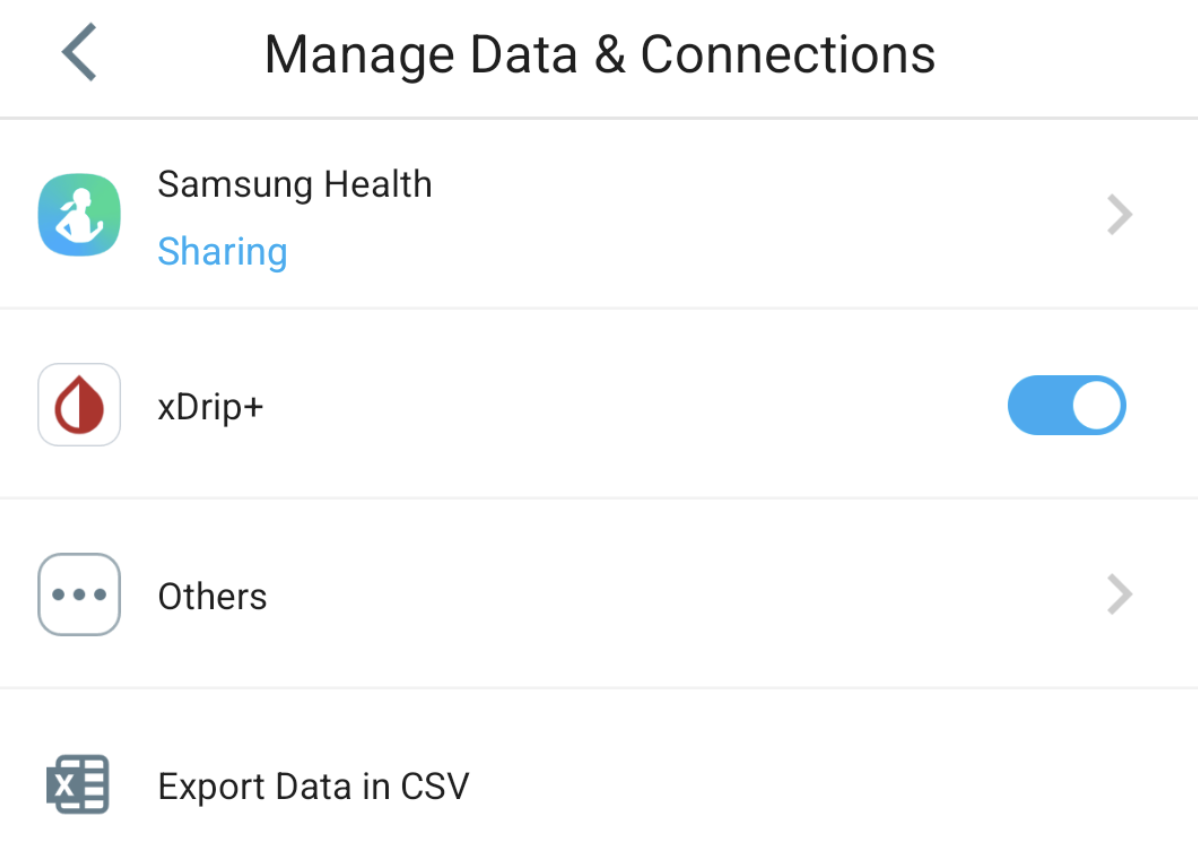
In CareSens app, go to settings -> Manage Data and Connections -> turn on xDrip switch. If prefered, turn off the data connections to CareLevo, DIA:CONN, CloudLoop, etc. in “others” .
Install xDrip+: xDrip.
In xDrip+, go to settings -> hardware data source, select
Companion Appas data source.In AAPS, select xDrip+ in ConfigBuilder, BG Source.
2. Juggluco
Install the Juggluco app.
In Juggluco, open the left menu and select
PhotoScan the QR code on the package of the sensor.
In left menu -> settings -> exchange data make sure xDrip broadcast is turned on.
In AAPS, select xDrip+ in ConfigBuilder, BG Source.