Update with Android Studio
Programı İndirmek yerine kendiniz oluşturun…
AAPS is not available to download, due to regulations concerning medical devices. Uygulamayı kendi kullanımınız için oluşturmak yasaldır, ancak bir kopyasını başkasına vermemelisiniz! See FAQ page for details.
Not
In case you want to build AAPS on a new computer : copy your back-up keystore file to the new computer. Then follow the Initial build AAPS procedure instead of this guide. With the only difference that instead of creating a new keystore, you can select the one you have copied on the new computer.
Overview for updating to a new version of AAPS with Android Studio
In case you experience problems, see separate page for troubleshooting Android Studio.
Export your settings
Export your settings from the existing AAPS version on your phone. You might not need it, but better be safe than sorry.
See the Export & import settings page if you don’t remember how to do this.
Check your Android Studio version
The minimal version required is described in the Building Instructions. If your version is older, please update Android Studio first!
Update your local copy
WARNING
If you update from versions prior to 2.8.x, please follow the instructions to do a New clone, as this guide will not work for you!
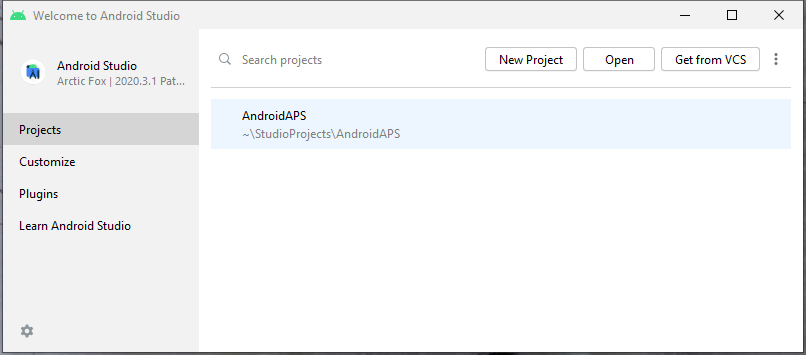
Open your existing AAPS project with Android Studio. You might need to select your project. (Double) click on the AAPS project.
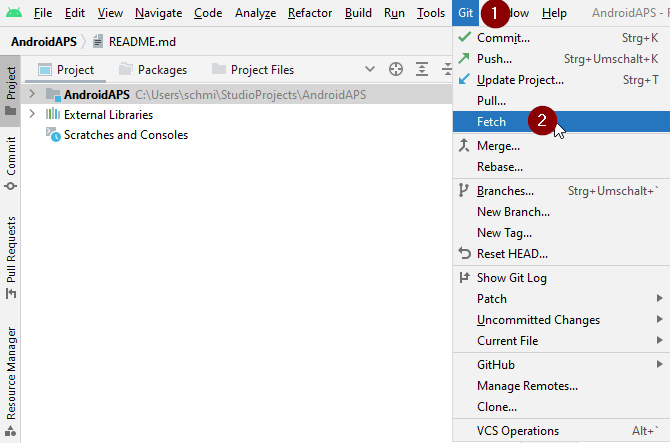
In the menu bar of Android Studio, select Git -> Fetch
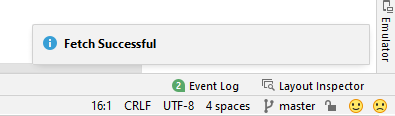
You will see a message in the lower right corner that Fetch was successful.
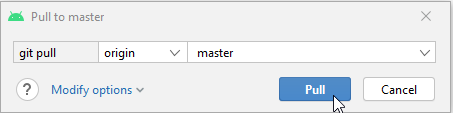
In the menu bar, now select Git -> Pull
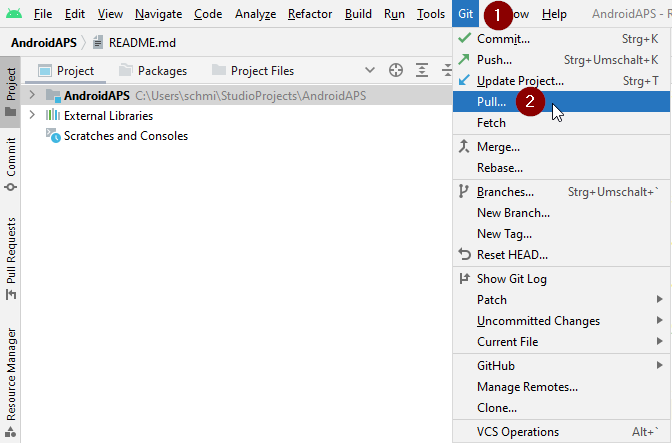
Leave all options as they are (origin/master) and select Pull
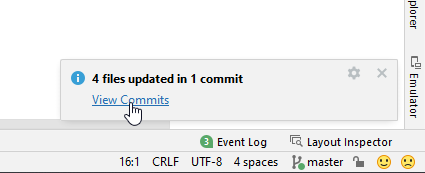
Wait while download is in progress, you will see this as info in the bottom bar. Tamamlandığında, bir başarı mesajı göreceksiniz.
Not
The files that were updated may vary! This is not an indication
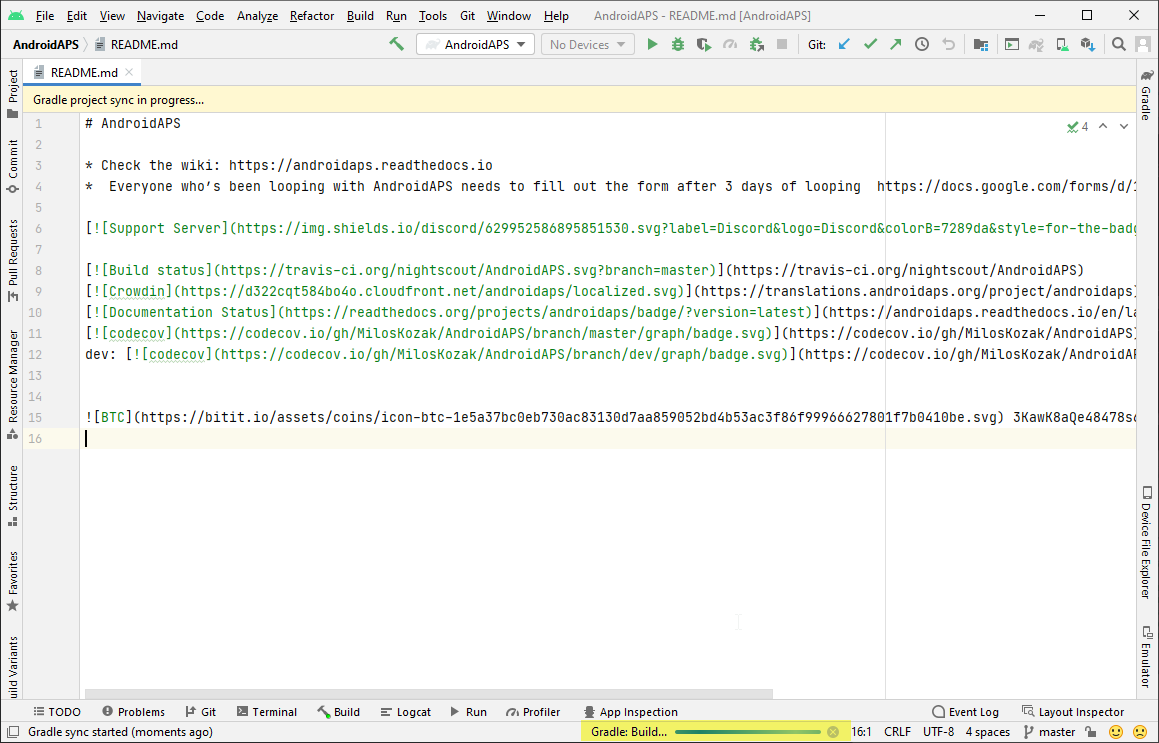
Gradle Sync will be running to download some dependencies. Tamamlanana kadar bekleyin.
Check JVM version
This check is particularly indicated if you have already built a previous version of AAPS on the same computer.
Check in the Building Instructions the required version for JVM, matching the AAPS version you are now building. Then follow the steps described at Incompatible Gradle JVM to make sure you currently use the correct version.
Build the Signed APK
Your sourcecode is now the current released version, and all prerequisites have been checked. It’s time to build the signed apk as described in the build signed apk section.
Transfer and install the apk
You need to transfer the apk to your phone so you can install it.
Not
If you completed the build with the same existing key store in Android Studio, then you do not need to remove the existing app on your phone. Apk’yi kurduğunuzda, güncellemeleri yüklemek için talimatları izleyin. Android Studio’da yeni bir anahtar deposu oluşturarak imzaladığınız apk senaryosu için, apk’yi yüklemeden önce eski uygulamayı silmeniz gerekecektir. Make sure to export your settings!
See the instructions for transferring and installing AAPS
Continue here.
Troubleshooting
Bir şeyler ters giderse, panik yapmayın.
Bir Nefes Alın!
Then see the separate page troubleshooting Android Studio if your problem is already documented!
If you need further help, please reach out to other AAPS users on Facebook or Discord.