Change language and version
The documentation you are currently reading is available in several languages and is specific to a given version of AAPS. Both the language and the version can be changed from the menu at the bottom right of the screen.
Note
Click on the bar at the bottom right of the screen to open the language and version selection menu.
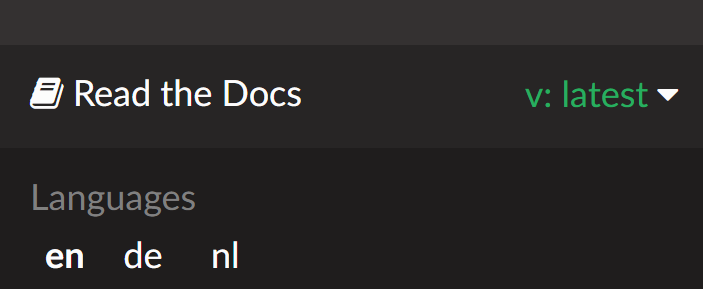
Change language
In the menu, select the language you want to read the documentation in.
Feel welcome to join Crowdin translators and proofreaders to help translate the documentation into your language.
Change version
The current version is shown in the bottom right of the screen. To switch to a different version, click on the current version and select the version you need.
Warning
When changing language and/or version, you might get a 404 - Page not found, if the language or version page doesn’t exist. This will frequently happen when switching version but should not happen when changing language: the page will show in English if not translated yet.