Update with Android Studio
自行构建而非下载
AAPS is not available to download, due to regulations concerning medical devices. 构建该应用供自己使用是合法的,但不得将副本提供给他人 详情请参阅常见问题页面。
备注
如果您想在新电脑上构建 AAPS:请将备份的密钥库文件复制到新电脑。 然后按照 首次构建 AAPS 流程 操作,而非本指南。 唯一区别在于您可以选择已复制的密钥库文件而无需新建。
Overview for updating to a new version of AAPS with Android Studio
In case you experience problems, see separate page for troubleshooting Android Studio.
Export your settings
从手机现有AAPS版本导出设置。 您可能用不到它,但以防万一最好保存。
若忘记操作方法,请参阅导出与导入设置。
Check your Android Studio version
The minimal version required is described in the Building Instructions. If your version is older, please update Android Studio first!
Update your local copy
WARNING
If you update from versions prior to 2.8.x, please follow the instructions to do a New clone, as this guide will not work for you!
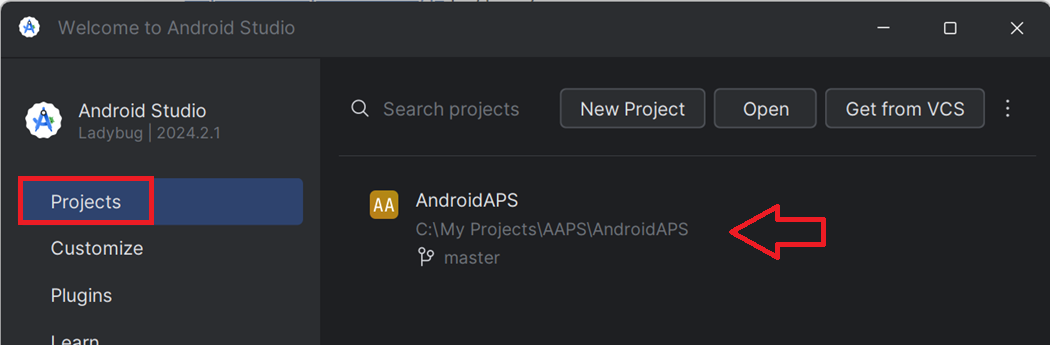
在 Android Studio 中打开现有的 AAPS 项目。 可能需要选择您的项目。 (双击)AAPS项目。
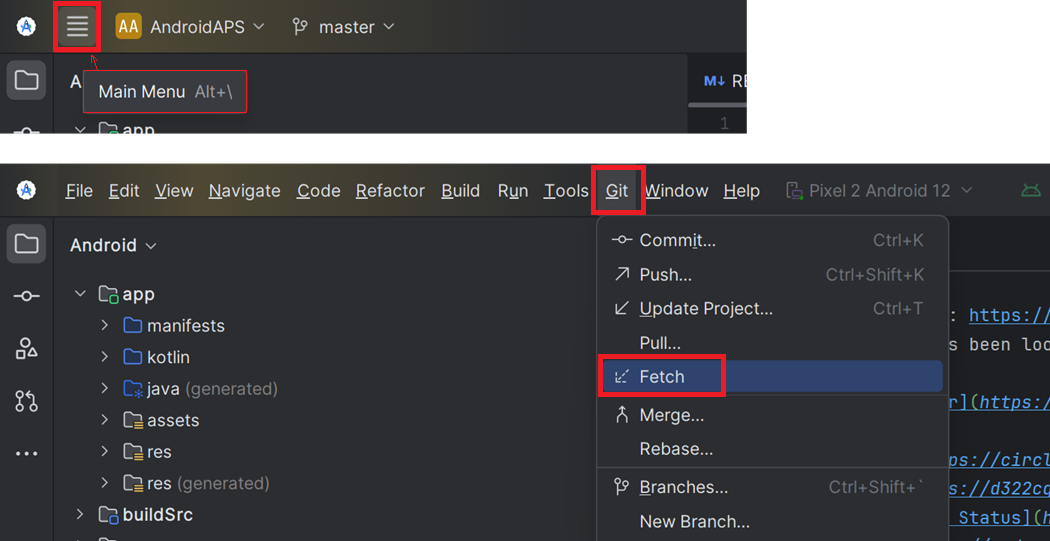
在Android Studio菜单栏选择Git -> Fetch
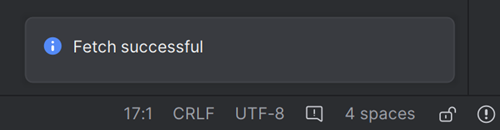
右下角会显示 Fetch 成功的消息。
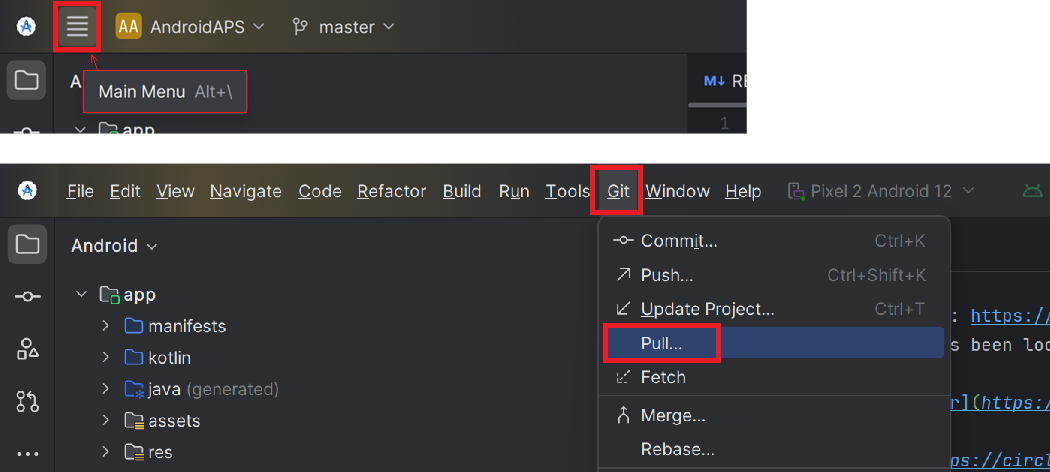
在菜单栏选择Git -> Pull
保持所有选项默认(origin/master)并点击 Pull
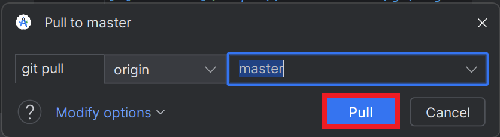
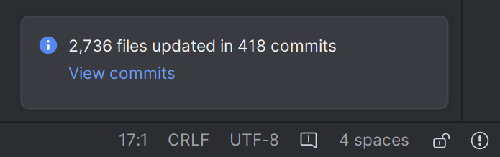
等待下载完成,底部状态栏会显示进度。 完成后,会显示成功消息。
备注
更新的文件可能不同! 这并不意味着有问题。
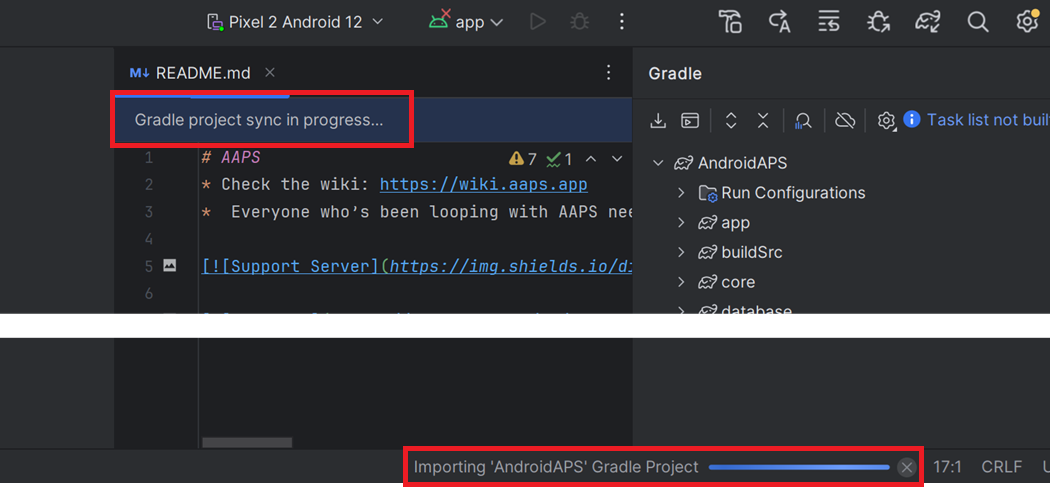
Gradle Sync 会自动运行以下载依赖项。 请等待它完成。
检查 JVM 版本
This check is particularly indicated if you have already built a previous version of AAPS on the same computer.
Check in the Building Instructions the required version for JVM, matching the AAPS version you are now building. 然后按照不兼容的 Gradle JVM中的步骤确保当前使用正确版本。
构建签名 APK
您的源代码现在是当前发布的版本,并且已检查所有前提条件。 请按 构建签名 APK 章节 的描述构建签名 APK。
传输并安装 APK
需将 APK 传输至手机后进行安装。
备注
若您使用 Android Studio 中已有的密钥库完成构建,则无需删除手机上的现有应用。 安装APK时,按照提示安装更新。 对于其他场景,例如在Android Studio中为您的签名APK建立新的密钥库,您需要在安装APK之前删除旧的应用程序。 确保导出您的设置!
具体操作请参考 传输与安装 AAPS 说明。
Continue here.
故障排除
如果出现问题,请不要惊慌。
深呼吸!
若您的问题已有记录,请参考 Android Studio 故障排除 页面!
If you need further help, please reach out to other AAPS users on Facebook or Discord.